Phone & contactless
Tap to Pay on iPhone: compatibility and setup
Which iPhone can accept payments? Check the model, iOS, payment app and account activation before your first transaction.
Prepared
The essentials
Apple lists iPhone XS or later as a requirement for Tap to Pay on iPhone, together with a supported payment app. Hardware alone is not enough: the iOS version, app requirements and merchant account activation must also be suitable.
Check the model before buying
Find the exact model in your phone settings, then check the official requirements of the app you intend to use. “My iPhone has NFC” is not sufficient confirmation. Also check whether that app supports your business and country.
Before buying second-hand, consider updates, battery health and a full working day. The best choice is not necessarily the most expensive model: it is one your solution supports and that you can use reliably.
Install the app and activate the account
Follow the provider’s onboarding: business registration, information checks, payout account setup and payment acceptance activation. Downloading the app or having Apple Pay on your iPhone does not replace these steps.
- Update iOS and the app to meet your provider’s requirements.
- Check account status before announcing that you accept cards.
- Locate the payment flow and the transaction history.
Present the phone clearly
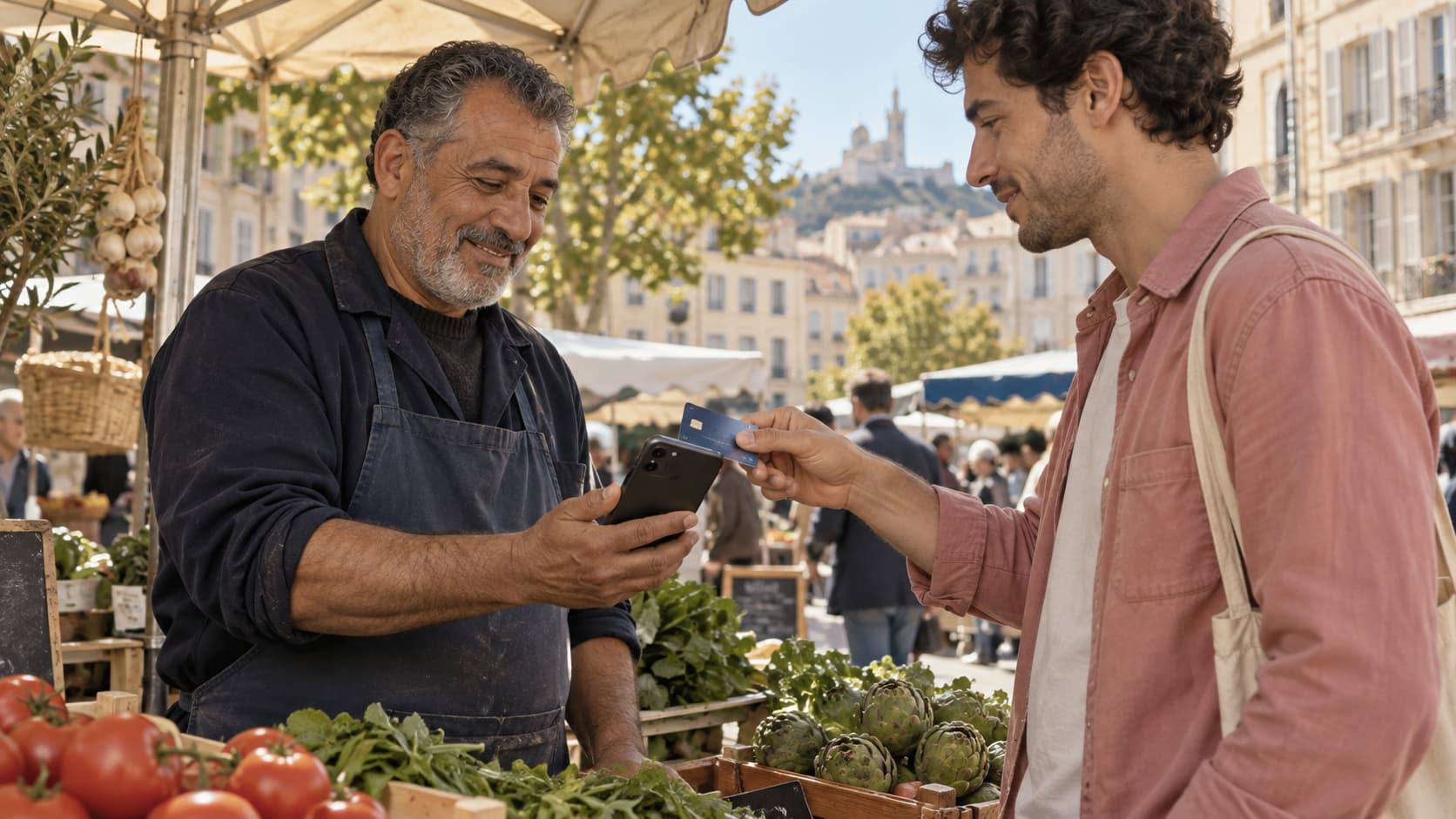
Let the customer see the amount. Follow the placement instructions in the app and hold the phone steady during the reading. If authentication is requested, let the customer follow the prompts without asking them to tell you their PIN.
Once a result appears, check that the payment is listed in your activity. If the flow is interrupted, look for the transaction first to avoid charging twice.
Blaya compatibility is a separate question
These notes explain the technology available in the market. They are not a list of devices validated for Blaya: Blaya’s Tap to Pay integration and terms still require qualification. The service page presents the product direction.
In practice
A useful check before a field day
Prepare your phone the night before: updates completed, battery charged, connection checked and account access available. Avoid discovering an update prompt while your customer is waiting to pay.
Sources and context
References checked on 27 September 2026. The cited providers’ terms are not Blaya’s terms. Legal references concern France.
And with Blaya?
Payments that fit your work.
On your phone, by link and as a team: explore Blaya’s new direction. Tap to Pay and commercial terms still require qualification before a live launch.
Explore payments on your phone