Create your business account.
Create your account, add your business details and complete the checks required to activate payments.
Blaya, a new way to get paid.
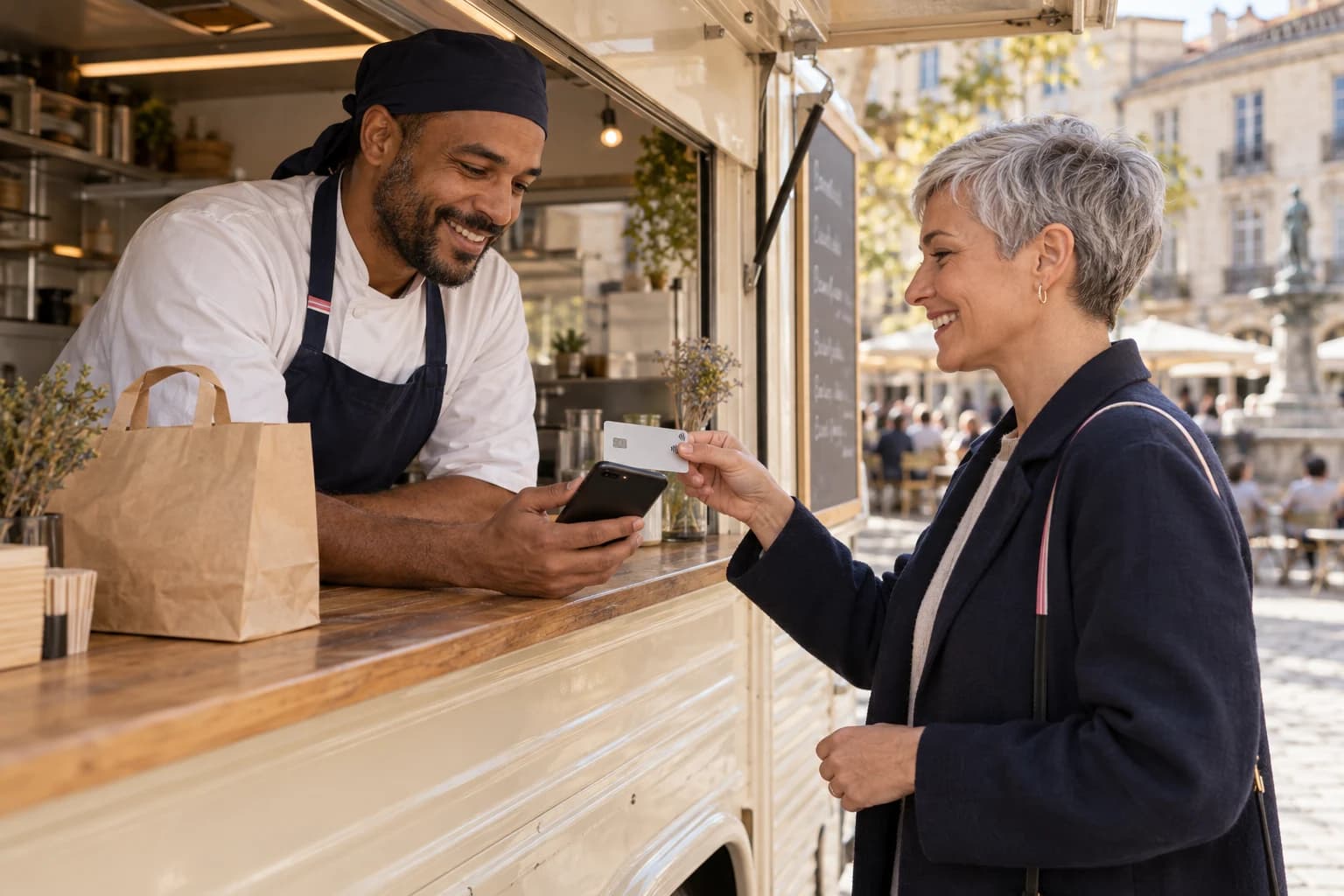
Take payments from your customers directly with your phone. And when your customer is far away, simply send them your Blaya link. It’s that easy!
THREE STEPS. THEN YOU ARE READY.
Create your account, add your business details and complete the checks required to activate payments.
Install Blaya on your compatible phone to take payments in person, send payment links and track every payment.

In person, open the app and enter the amount. Remotely, send your link. Two ways to pay, one Blaya.
BLAYA IN PRACTICE
Offer payment in person or remotely. It’s up to you!
Your compatible phone is all you need. One less device to manage.
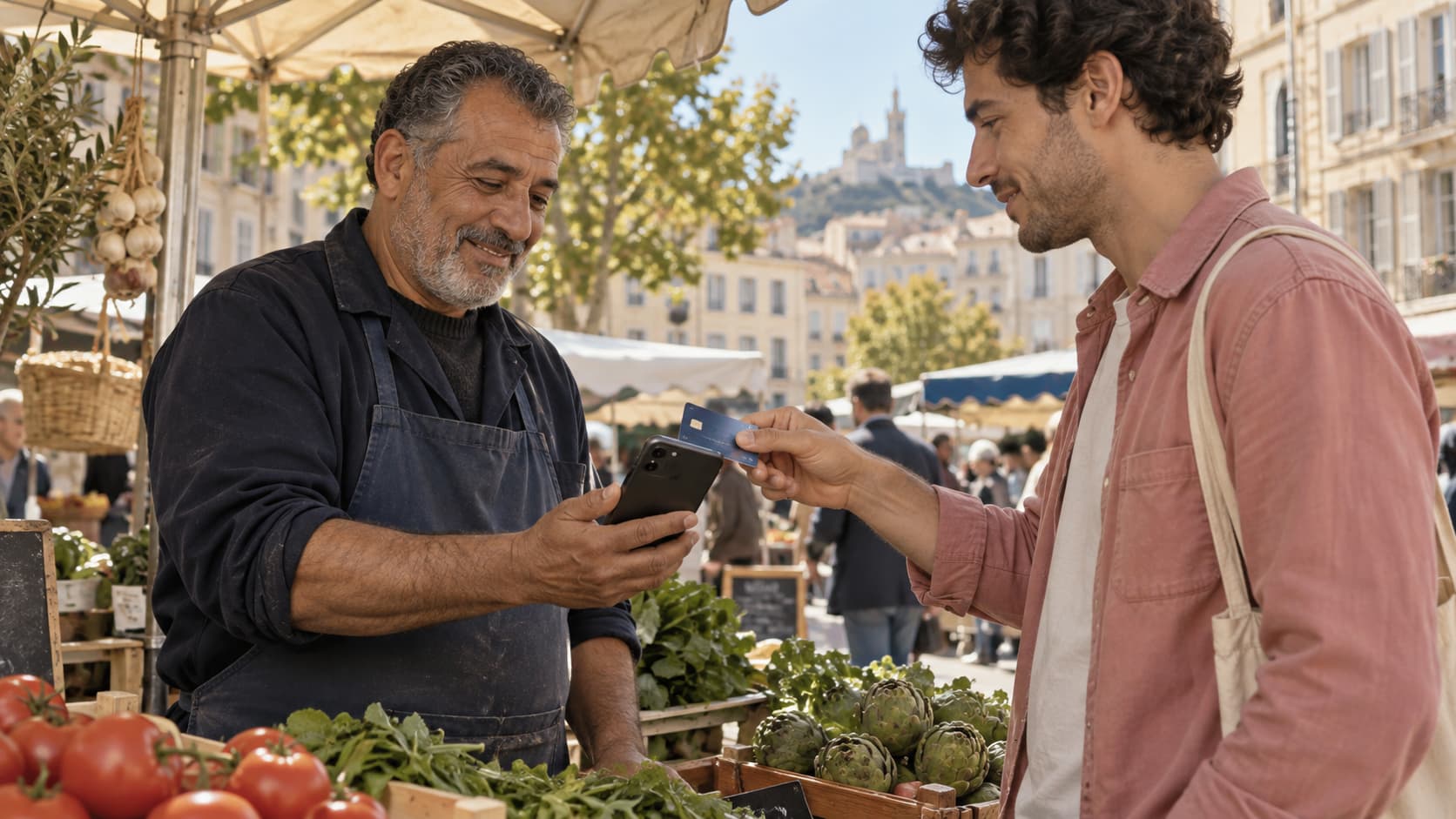
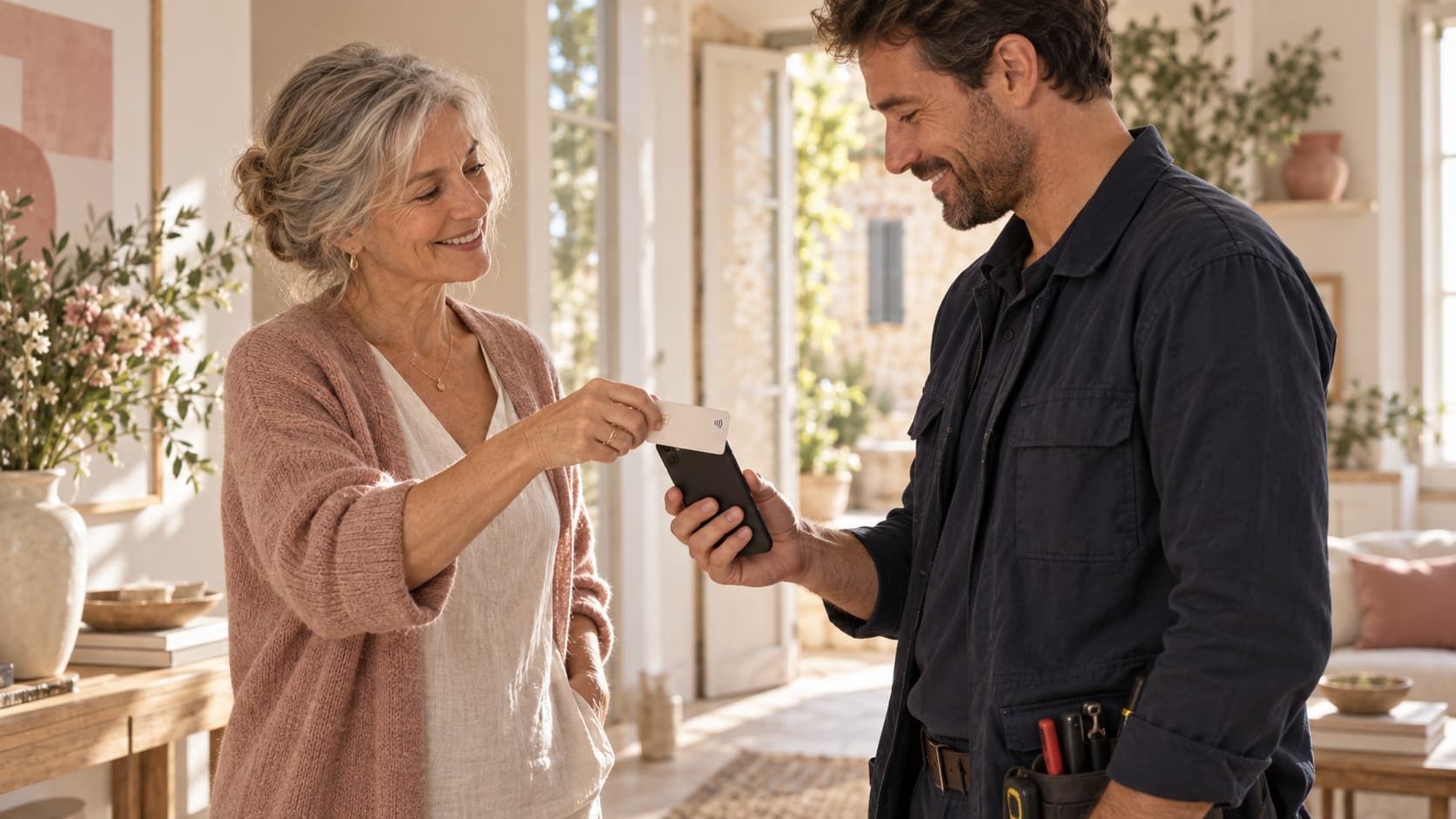
At the counter, at a customer’s home or at a stall: your phone goes with you.
Their contactless card or mobile wallet. A familiar way to pay.
 YOUR WORK COMES FIRST
Do what you do best.
Get paid
simply.
IN PERSON
Enter the amount in Blaya, then present your phone. Your customer taps their card or phone, and the payment is confirmed on screen. No extra terminal to carry, and no app for your customer to install.
How it worksIs your customer elsewhere? Send a Blaya link by message or email. A deposit, a service or an invoice: payment comes to them.
Explore the Blaya linkAlex is on site, Sam is meeting a customer and Nora is at the office. Everyone has their own access and payments. Every payment comes together in the same space.
Take payments as a teamAn in-person payment, a remote link. Find the amount, customer and teammate in the same activity view. Receipts stay close at hand, and your business stays clear.
Explore payment trackingBLAYA, YOUR WAY
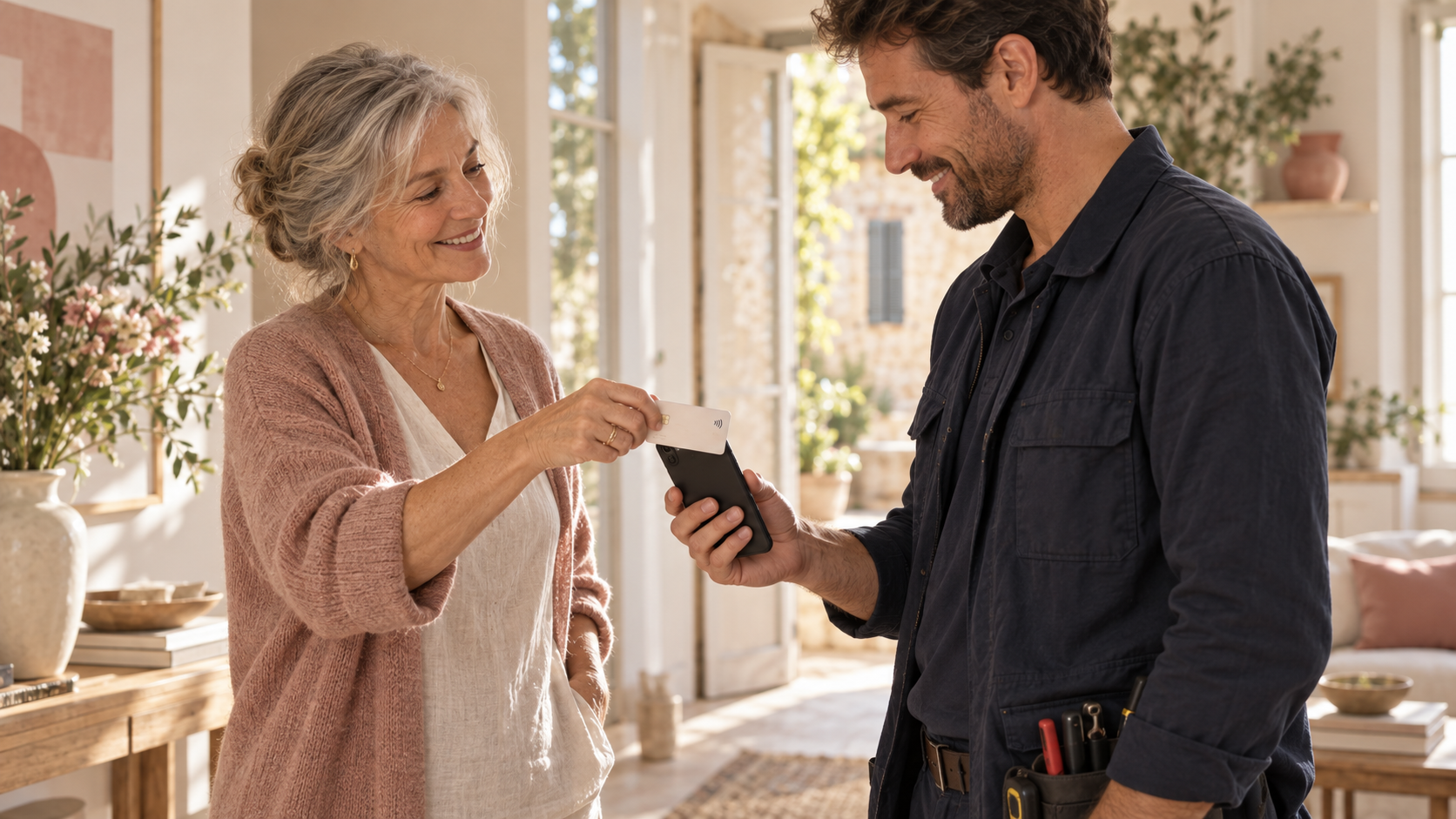
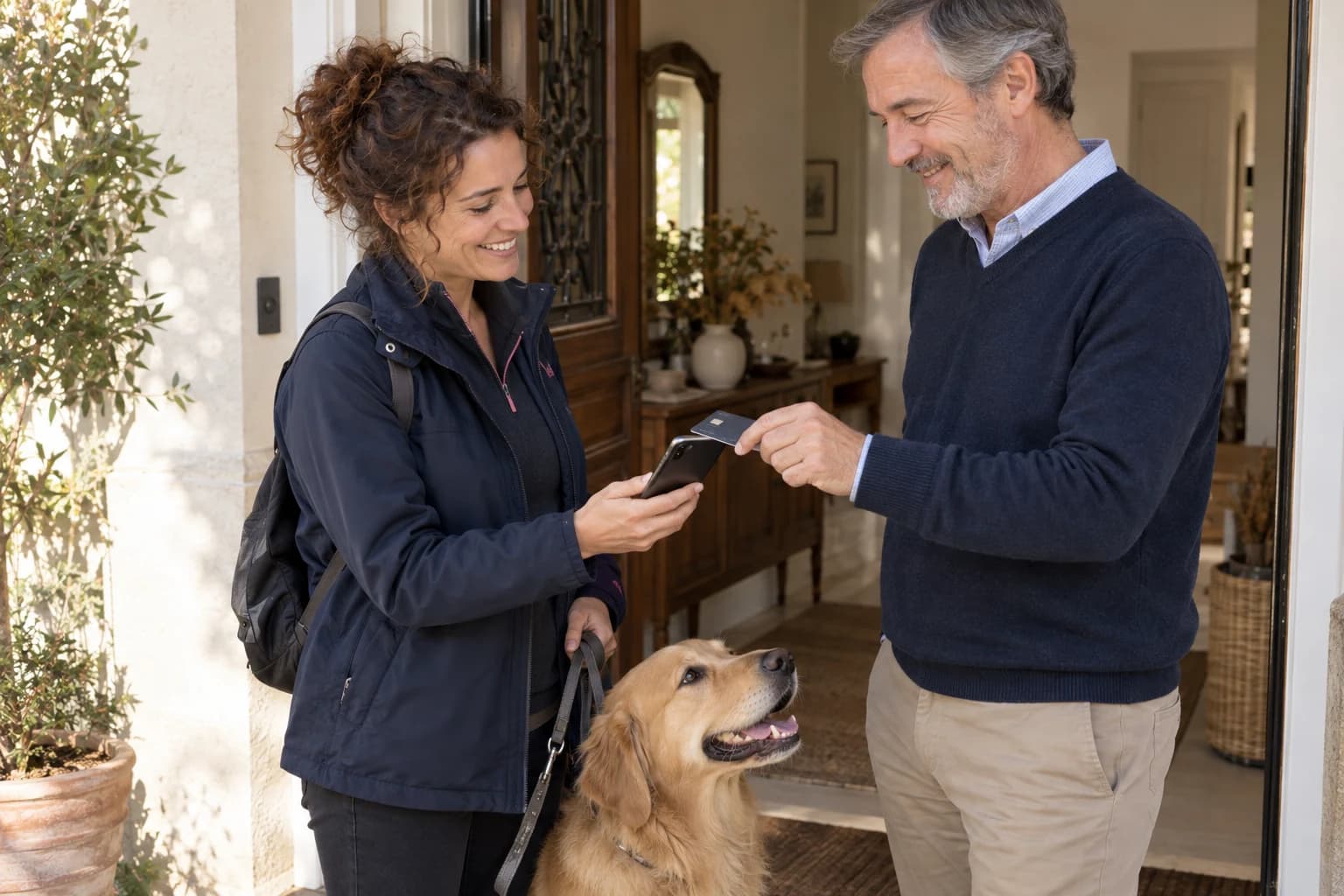
A deposit by link, the balance at your customer’s home. Your phone comes with you.
Explore my activity
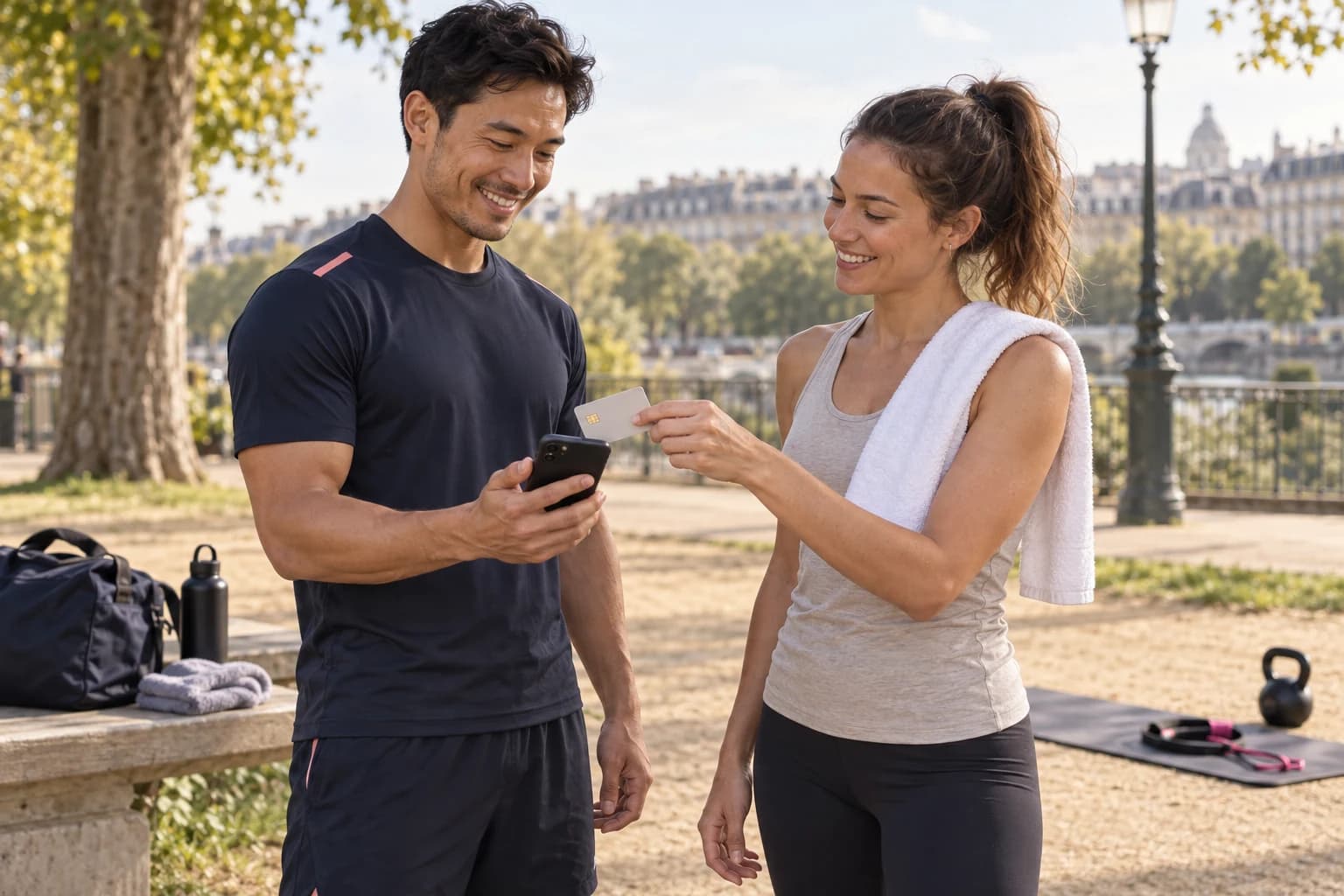
Fees, registrations, event sales: take payments as a team and keep track.
Explore my activity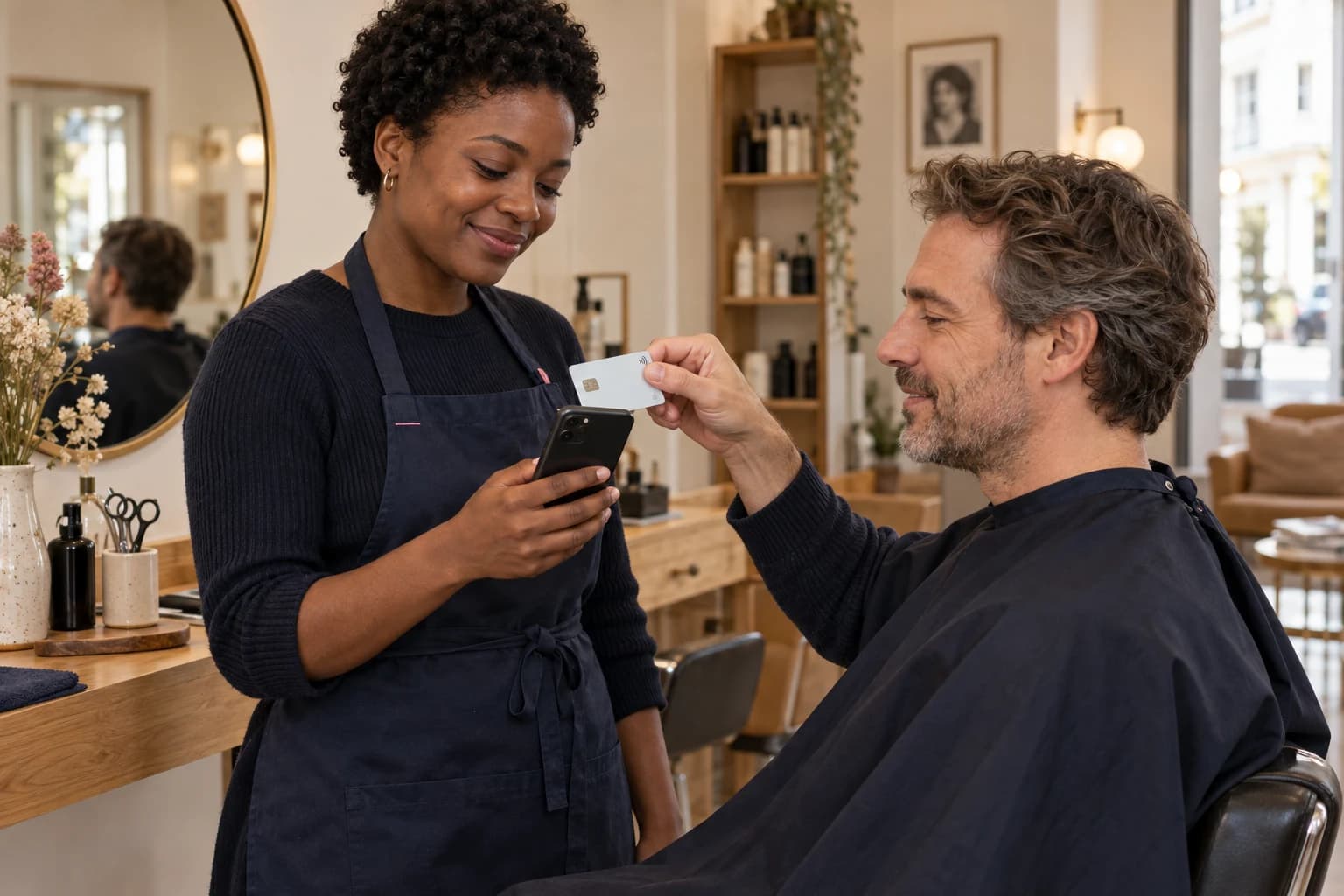
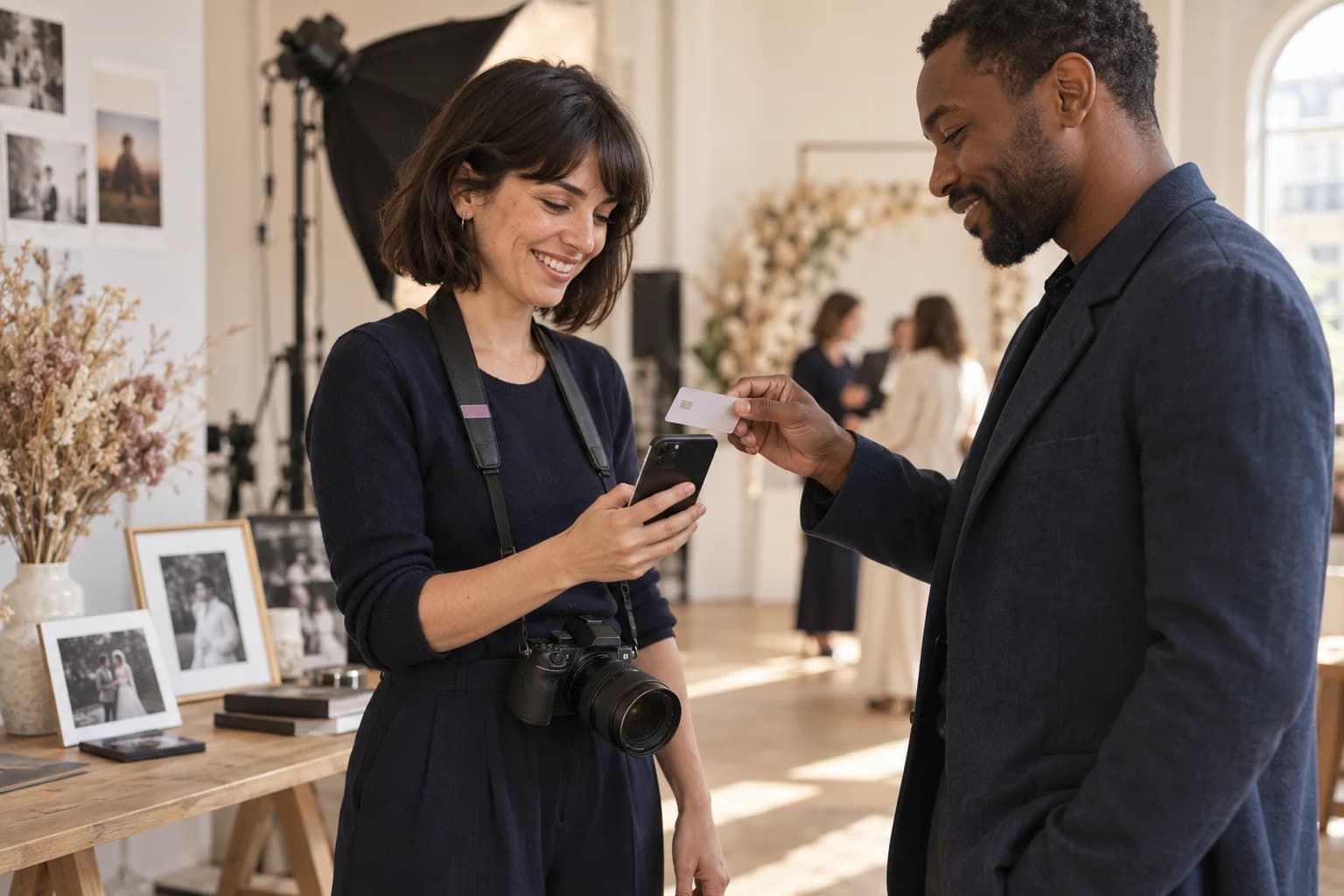
In your salon or at home, end the appointment with a simple tap.
Explore my activityEnter the amount in the Blaya app. Your customer holds their contactless card or phone near yours, then you wait for payment confirmation. This technology is called Tap to Pay.
No. In person, they use their contactless card or usual mobile wallet. Remotely, your Blaya link opens directly in their browser.
Contactless payments require a compatible iPhone or Android device. Check your model and operating system before activation. Your Blaya link also lets you request payment remotely.
Create your workspace, add your business details and follow the verification steps. You can take payments once your account is approved and payments are activated. Timing depends on the checks required.
Yes, card payments carry processing fees. These are separate from any Blaya subscription. Review your plan’s terms before activating payments.
After paying, your customer can enter their details to request an email receipt. You can find the payment and customer details in your activity view. A receipt does not replace an invoice.
BLAYA GUIDES