No extra terminal.
Your compatible phone becomes your contactless payment point.
Food trucks and takeaway
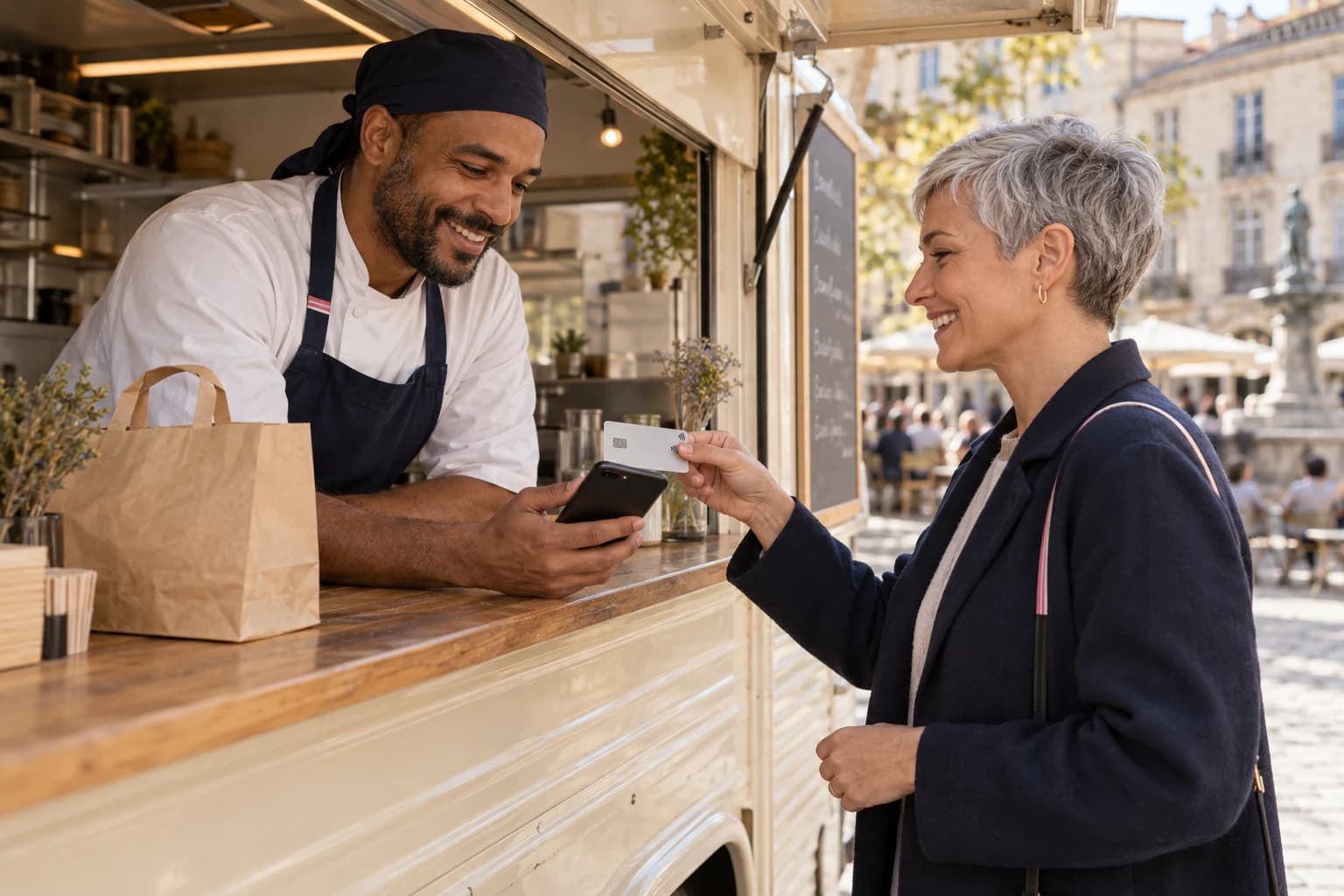
At your truck counter or stand, offer card payment on your phone. A simple gesture for sales where you already know the amount.
BLAYA IN PRACTICE
Your compatible phone becomes your contactless payment point.
Your customer taps their card or mobile wallet. You check confirmation.
Find payments and their status after the rush.
IN YOUR EVERYDAY WORK
Prepare the amount using your usual process or till software.
Present your compatible phone to the customer and wait for confirmation.
Blaya tracks the payment. Orders, stock and sales documents remain separate.
BEFORE YOU START
What to know before taking your first payment.
No. Blaya does not manage menus, orders or stock. Keep a suitable till solution when your business needs one.
This journey does not promise a till integration. Enter the amount in Blaya, then wait for payment confirmation.
A compatible phone, the Blaya app, an Internet connection and an approved account. Supported devices and activation requirements will be confirmed with the payment provider.