Settle up on the spot.
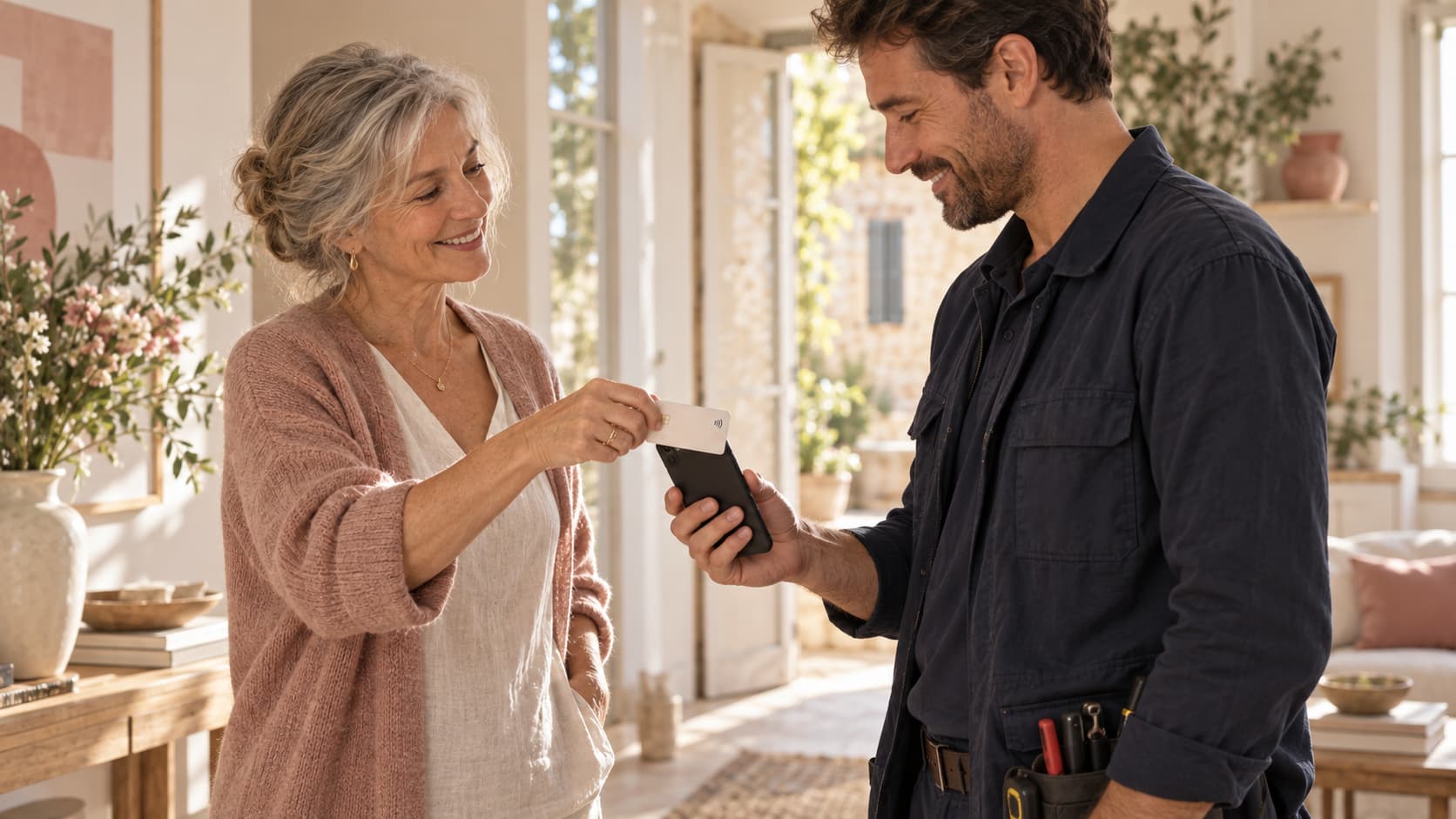
Your customer taps their card or phone on yours when the job is done.
Trades and repairs
Plumbers, electricians, repair specialists: take payment at your customer’s home with your phone. For a deposit before the job, send your Blaya link.
BLAYA IN PRACTICE
Your customer taps their card or phone on yours when the job is done.
Share a link with the amount and reference before heading out.
Add a reference to the payment so you can find it in your activity.
IN YOUR EVERYDAY WORK
Quote accepted? Send a deposit request with your Blaya link.
Enter the balance, present your compatible phone and wait for confirmation.
The payment stays in your activity. Your customer can request a receipt.
BEFORE YOU START
What to know before taking your first payment.
No. Keep your business software. Blaya takes and tracks payments; a payment receipt does not replace your invoice.
Send a link request for the agreed amount. Check its status before treating the payment as received.
A compatible phone, the Blaya app, an Internet connection and an approved account. Supported devices and activation requirements will be confirmed with the payment provider.