Create your account.
Enter your business details and the information requested to verify your account.
HOW IT WORKS
Set up your account, choose how to take payment and keep track. Here is how each step works.
Enter your business details and the information requested to verify your account.
Complete the checks, then set up the app on your compatible phone.
Customer with you? Present your phone. Far away? Send your Blaya link.
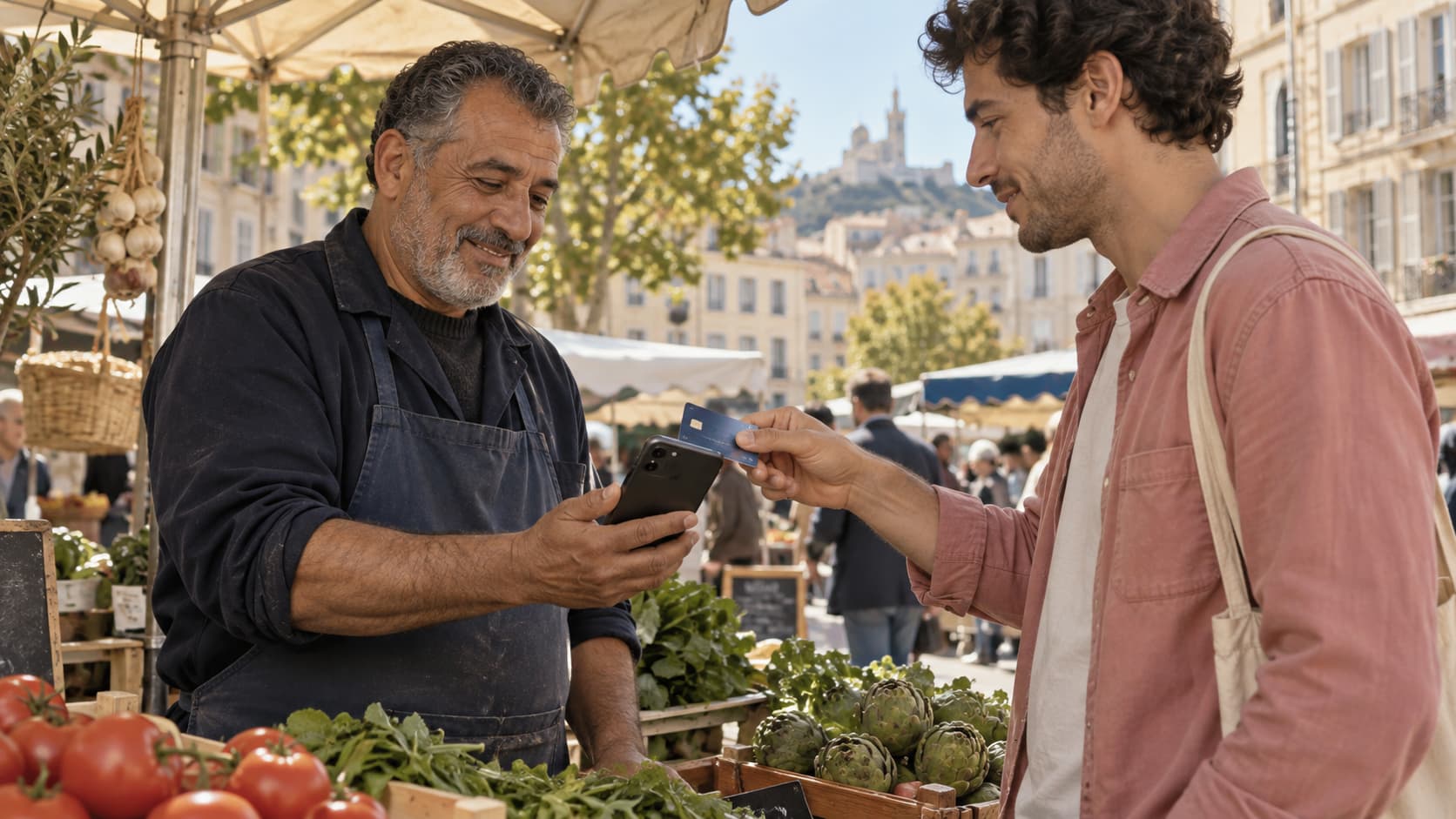
IN PERSON

REMOTELY
AFTER PAYMENT
Amount, reference, status: find every payment. Once confirmed, your customer can request a receipt; the details they enter are attached to the transaction.
Explore tracking and receipts ↗A FEW THINGS TO CLARIFY
Contactless acceptance requires a compatible phone and the Blaya app. The exact list of supported devices will be confirmed with the payment provider.
No. In person, they present a contactless card or mobile wallet. Remotely, they open your link in their browser.
After account checks and payment-service activation. Timing depends on the information and documents requested; this preview does not guarantee an activation time.