In your salon or at their home.
Your compatible phone comes with you wherever you work.
Beauty and wellness
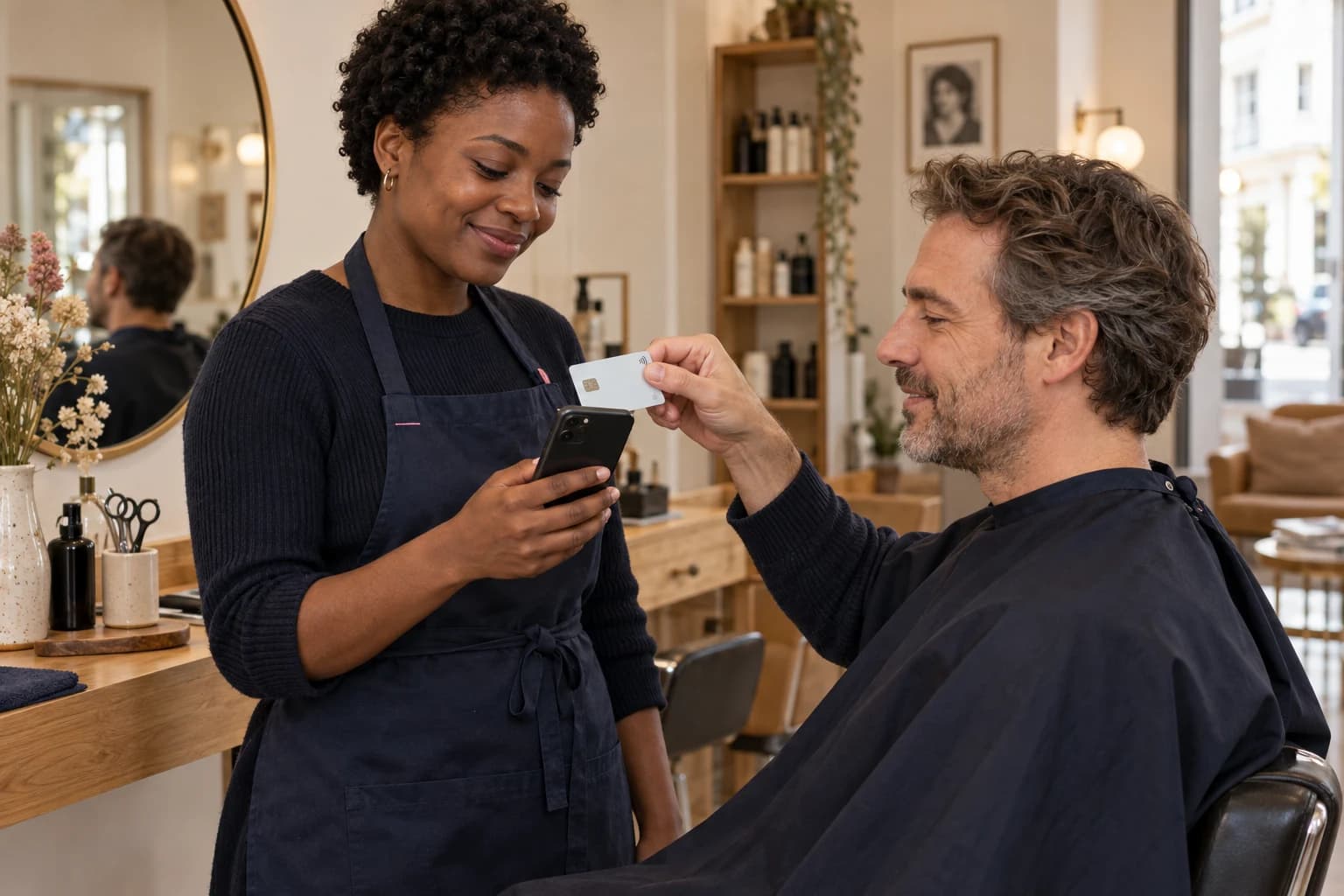
Hair, beauty, massage: finish an appointment as smoothly as it started. Your customer pays contactlessly on your phone, in your salon or at their home.
BLAYA IN PRACTICE
Your compatible phone comes with you wherever you work.
If you ask for a deposit, share a link before the appointment.
Find the amount and reference for each appointment in your account.
IN YOUR EVERYDAY WORK
Agree the price and, if needed, send a deposit request.
Enter the amount. Your customer taps their card or mobile wallet.
Check confirmation, then find the payment in your activity.
BEFORE YOU START
What to know before taking your first payment.
No. They present a compatible card or mobile wallet. The professional uses the Blaya app.
No. Keep your calendar or booking tool. The Blaya link requests the associated payment.
A compatible phone, the Blaya app, an Internet connection and an approved account. Supported devices and activation requirements will be confirmed with the payment provider.