Teams & field work
Taking payments on the move: prepare your phone and records
Repairs, markets or home services: prepare battery, connectivity, amount and a backup option to take payments away from your premises.
Published · Rewritten
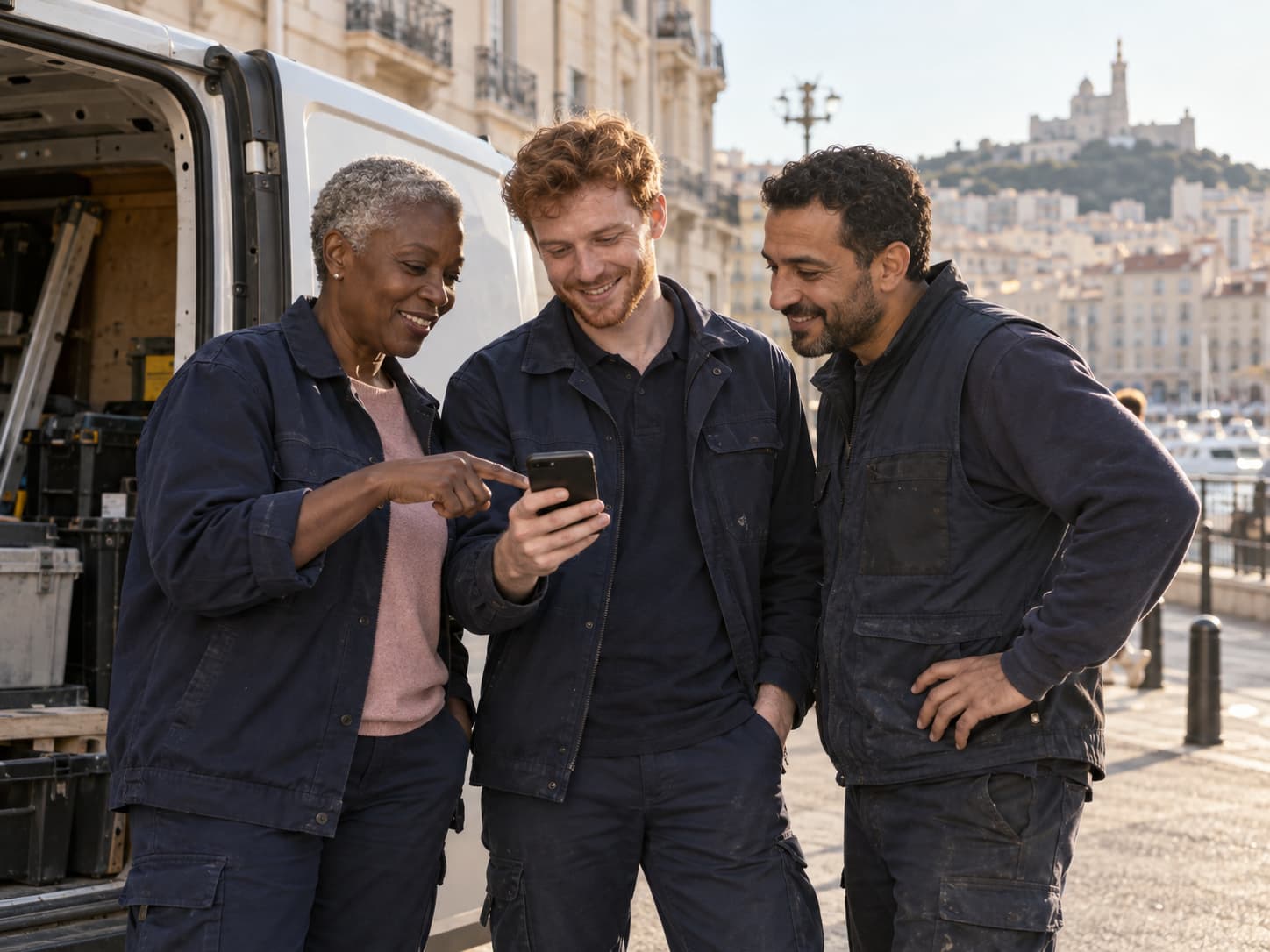
The essentials
To take payments on the move, prepare the workflow as well as the phone: activated account, compatible device, battery, connection and job reference. Contactless helps with customers in front of you; a link can help when the person paying is elsewhere.
Five checks before leaving
Useful checks happen before the first appointment, not in front of the customer. Make sure you can open your account and know where to find the day’s payments.
- Device and app updated to your solution’s requirements.
- Charged battery and charging available if needed.
- Account authorised to accept payments.
- Expected connectivity at the job location.
- References and amounts available without scattered notes.
On site: show the amount, then the action
Agree the amount before starting contactless reading. Hold the phone steadily, let the customer follow the instructions and check the result. Avoid interrupting the flow for another task where possible.
If the person present cannot pay, ask whom to send the link to and which reference to include. This avoids a context-free message being forwarded repeatedly.
If connectivity is poor
Do not assume a solution supports offline payments. Check the app and contract capabilities. A link may enable later payment, but it does not magically remove the need for connectivity at checkout.
After an interruption, check the attempt’s status before creating another. At the end of the route, match confirmed payments with completed jobs.
In practice
The payer is at the office
Fictional example: a technician finishes a job at a business, but the accounts department pays invoices. They send an identified link to the right person instead of asking the occupant to pay personally.
And with Blaya?
Payments that fit your work.
On your phone, by link and as a team: explore Blaya’s new direction. Tap to Pay and commercial terms still require qualification before a live launch.
Explore payments on your phone