Phone & contactless
Card terminal, Tap to Pay or payment link: which should you choose?
Compare the customer experience, equipment and use cases: card terminal, payments on a phone and checkout through a link or QR code.
Published · Rewritten
The essentials
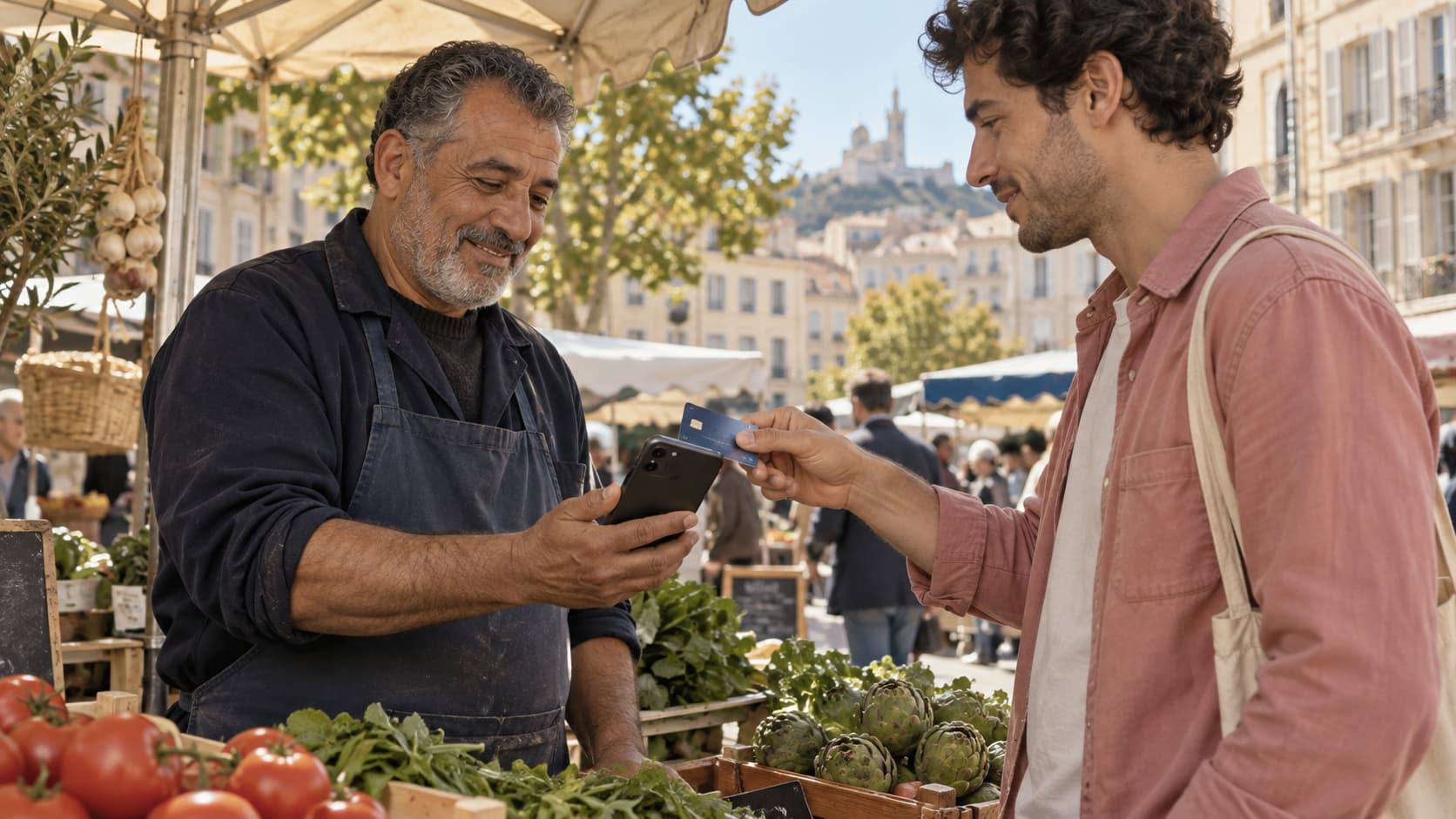
A card terminal is dedicated payment hardware. Tap to Pay uses a compatible phone to accept contactless payments. A link opens checkout on the customer’s device, including remotely. A QR code can open that page; it is not itself a card reader.
Choose according to your customer’s situation
For payment in front of you, a terminal or Tap to Pay lets the customer present their payment method. For a deposit before an appointment or an absent payer, a link avoids arranging a meeting just to take payment.
An on-site QR code asks the customer to use their phone to open a page. That is a different experience from presenting a card directly. Explain the action rather than suggesting all payment flows are identical.
Look beyond the payment itself
A terminal may be part of a till with a printer and catalogue. A phone app may suit mobile work better. In either case, check the features actually included: teams, receipts, refunds, tracking and fit with your operations.
For restaurants or stock-based retail, assess POS needs separately. A solution that takes payments well may not manage orders, inventory or till-related requirements.
Compare total costs, then try the flow
Include hardware, subscriptions, team access and fees for your volumes. Then check a routine case and an interruption: a successful payment and what happens if reading fails or the connection drops.
The right choice can be complementary. Keeping a till that works and adding links for deposits can be simpler than replacing all the equipment.
| Solution | Customer action | Check |
|---|---|---|
| Card terminal | Tap, insert or use the card as supported | Model, connection and till features |
| Tap to Pay | Tap a card or wallet on the merchant’s phone | Compatible device, app and account |
| Link / QR | Open a page and complete online checkout | Amount, context and confirmation |
In practice
Start with the use case, not the hardware
Fictional example: an association collects registrations before an event and takes sales on the day. Links can cover the first phase; contactless payments on phones or a terminal can cover the second. The next question is how to consolidate the records.
Sources and context
References checked on 27 September 2026. The cited providers’ terms are not Blaya’s terms. Legal references concern France.
And with Blaya?
Payments that fit your work.
On your phone, by link and as a team: explore Blaya’s new direction. Tap to Pay and commercial terms still require qualification before a live launch.
Explore payments on your phone