Phone & contactless
Which payment methods should you offer customers?
Cards on a phone, links, transfers or cash: choose for your business and keep each payment easy to track.
Published · Rewritten
The essentials
Choose payment methods around common situations: a customer in front of you, an absent payer, a deposit or an event sale. Many options do not help if their steps and statuses are confusing. Prefer a clear main flow and a suitable alternative when needed.
In person: make the payment easy to understand
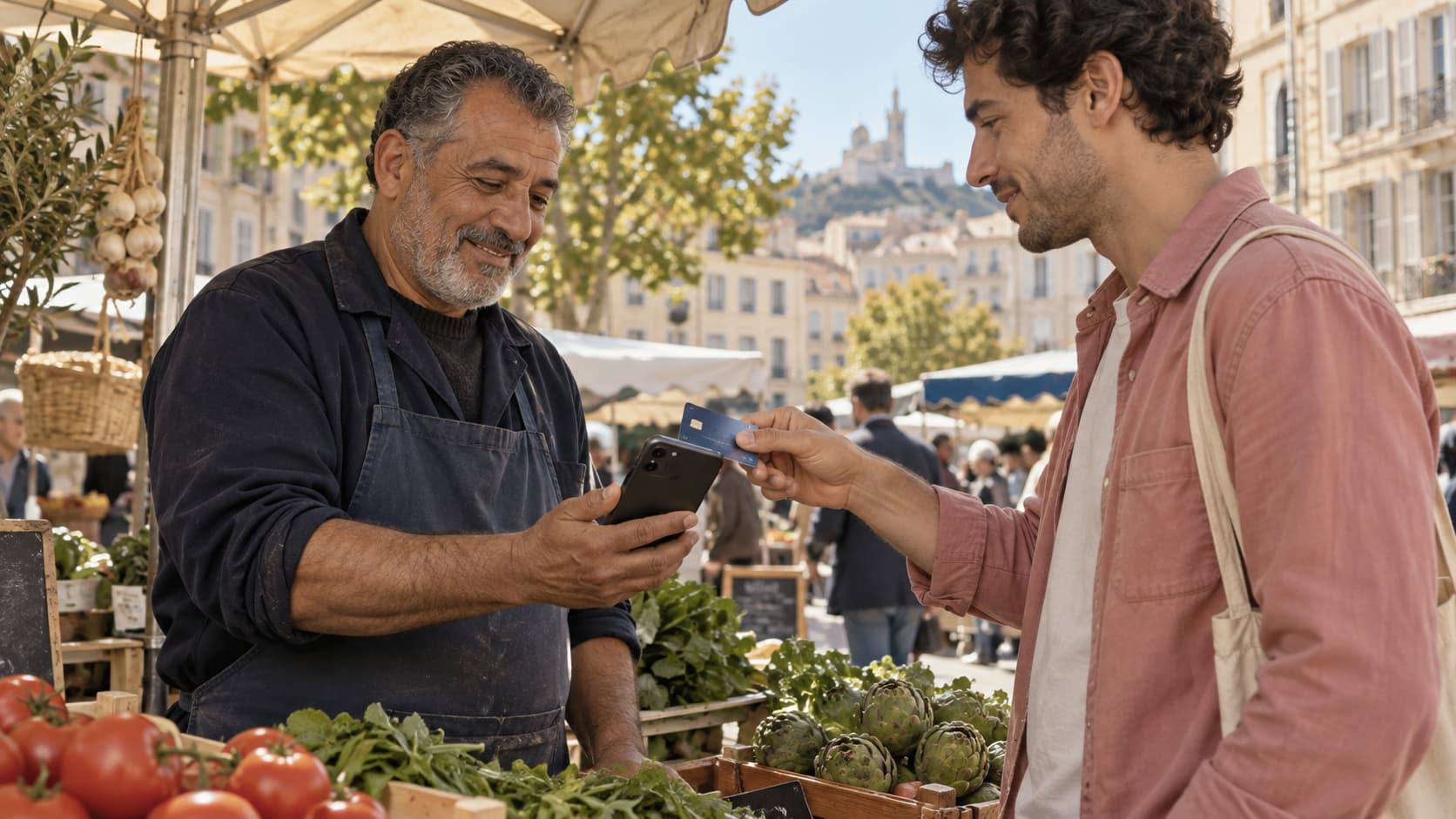
A contactless card or wallet presented to the merchant’s phone uses a gesture familiar to many customers. Still check the methods actually accepted under your contract. An existing terminal may remain suitable if you need additional till features.
Remotely: reduce unnecessary back-and-forth
A link displays the request and enabled methods on a dedicated page. A bank transfer may fit an accounts department’s habits. In either case, the amount and reference should match the agreed documents.
Explain the choice without sending multiple requests that look cumulative. An invoice remains one amount due even when several methods are offered.
In your records: distinguish confirmation from declaration
A confirmed card transaction and a declared cash handover have different evidence. Use explicit labels and check manual handovers. A declaration should not mark as paid money that nobody has actually received.
Finally, check costs, timings and rules for your business. The most convenient method for one situation is not necessarily right for every customer.
In practice
A prepared alternative
A customer cannot use the offered contactless method. Explain the available alternative, check the first attempt’s result and then prepare the second flow. Your records should show one final payment for the service.
And with Blaya?
Payments that fit your work.
On your phone, by link and as a team: explore Blaya’s new direction. Tap to Pay and commercial terms still require qualification before a live launch.
Explore payments on your phone